s

SOFTWARE FOR MANAGING THE INSTRUMENT PARAMETERS - FREE


GENERAL FEATURES
The connection is made between the RS232 or RS485 serial port of Laumas instruments and the PC USB port using a RS232/USB or RS485/USB converter cable.
The software can be used on Windows 7 or higher.
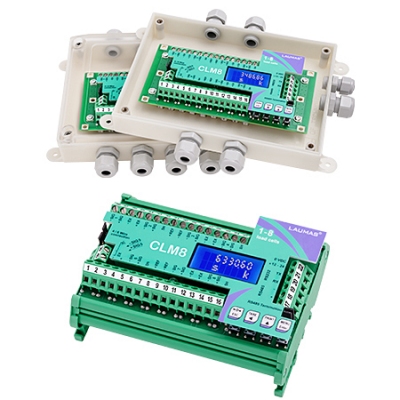
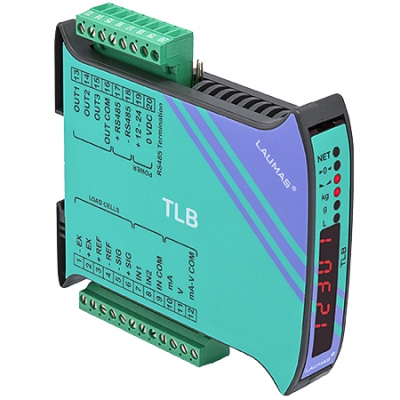
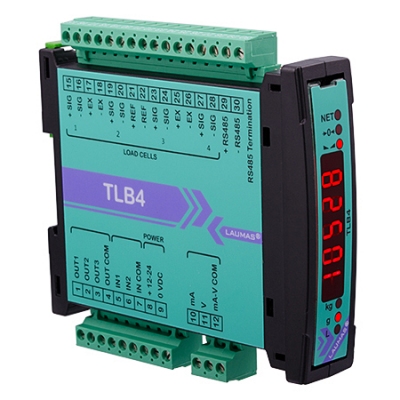
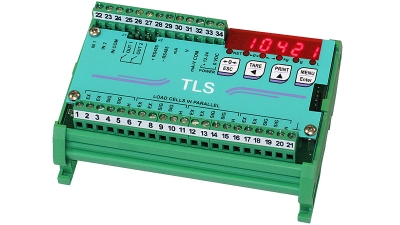
Compatible with W100, W200, WLIGHT, WDESK-L, WDESK-BL, WINOX-R, WINOX-R 3A, WINOX-BGE, WINOX-BR, WTAB-R, WTAB-BGE and WTAB-BR weight indicators and with TLB, TLB4, TLS, TLS485, TLM8, CLM8, LCB and LCB 3A weight transmitters.
Multilanguage software.
Complete configuration of LAUMAS instruments by setting the values of all the functional parameters from a PC.
Complete configurations can also be created for instruments not connected to a PC and uploaded or sent at a later time.
It is possible to compare different configurations and print a summary of the value of all the parameters, highlighting any differences.
Real-time monitoring of the weight read by the instrument to analyze the pattern in relation to setpoint, stability and digital inputs/outputs.
For multichannel weight transmitters, it's possible to see in real time the weight distribution on the various load cells connected to the instrument and the mV values individually read on each channel. In this way, diagnostic operations will be much easier.
▷ REAL CALIBRATION
Calibration of an instrument through sample weights.
For multichannel weight transmitters, it is possible to select the channels and equalize the instrument to standardize the weight read when its position on the platform varies.
▷ AUTOMATIC FIRMWARE UPDATE
Instrument Manager software allows to update the firmware of the weighing instrument by automatically downloading from the internet the new firmware distributed by LAUMAS.
▷ QUALIFIED ACCESS TO LEGALLY RELEVANT PARAMETERS
Instrument Manager allows simple management of legally relevant parameters for approved instruments, keeping them protected from unauthorized access.
DOWNLOAD


手册和产品表
 Scheda prodotto
 Manuale
软件和配置文件
 Instrument Manager